 YAN
Mobile app design
MAT APP. A diary with room for drawings
A Portuguese-language journaling app with a calendar, a diary page for notes and feelings, and a drawing canvas for art therapy. All entries on screen are sample content.
- Contribution
- Interface design
- Project status
- Interface design · Figma archive
Screens from the original Figma design file, with sample data.
My contribution
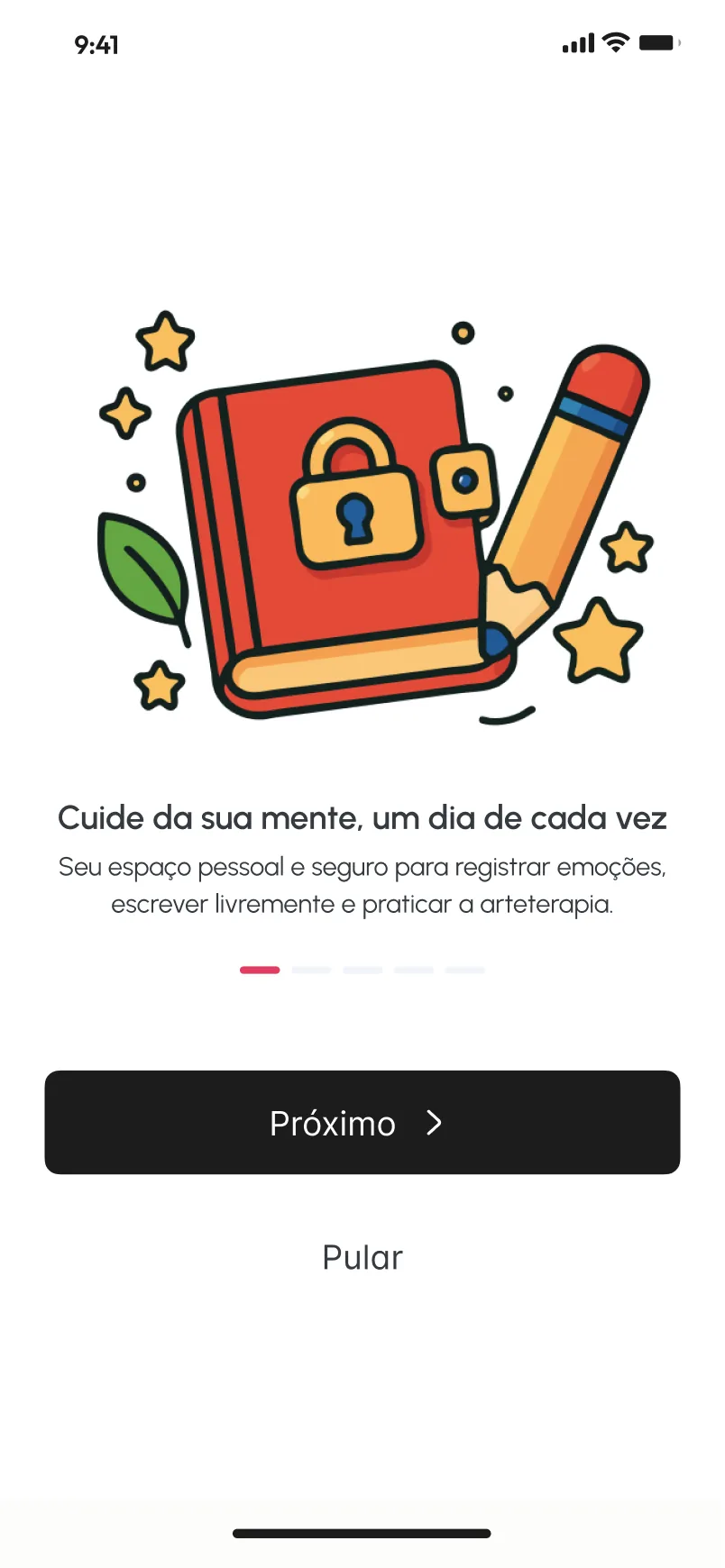
MAT APP is a journaling app in Portuguese. Its onboarding presents it as a personal space to record emotions, write freely and practise art therapy, so the interface has to hold words, feelings and drawings in the same place.
The month as a small gallery
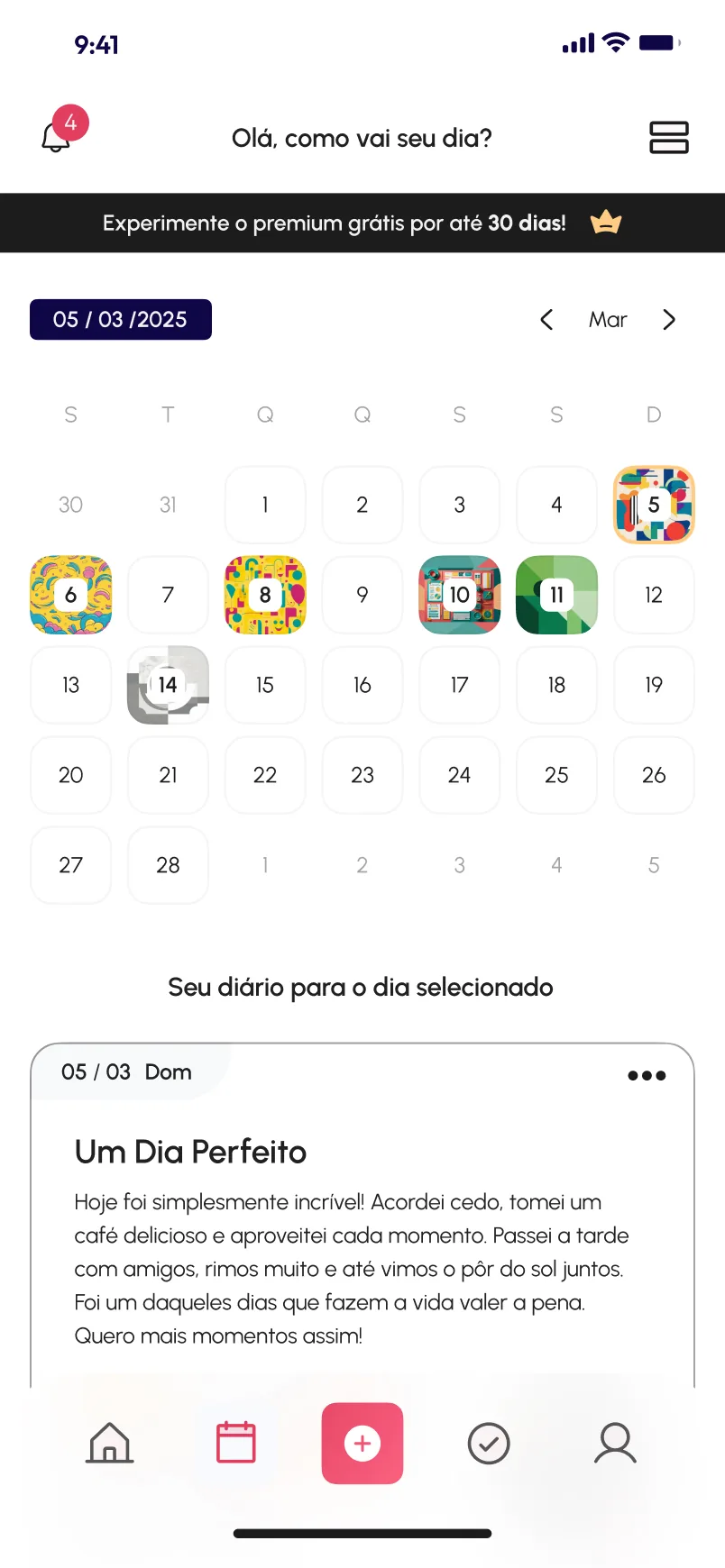
The calendar screen does more than mark dates. Some days carry a small artwork behind the number, so the month starts to read like a gallery, while the other days stay plain. The entry for the selected day sits right below the grid, under the line Seu diário para o dia selecionado.
Words, feelings and images on one page
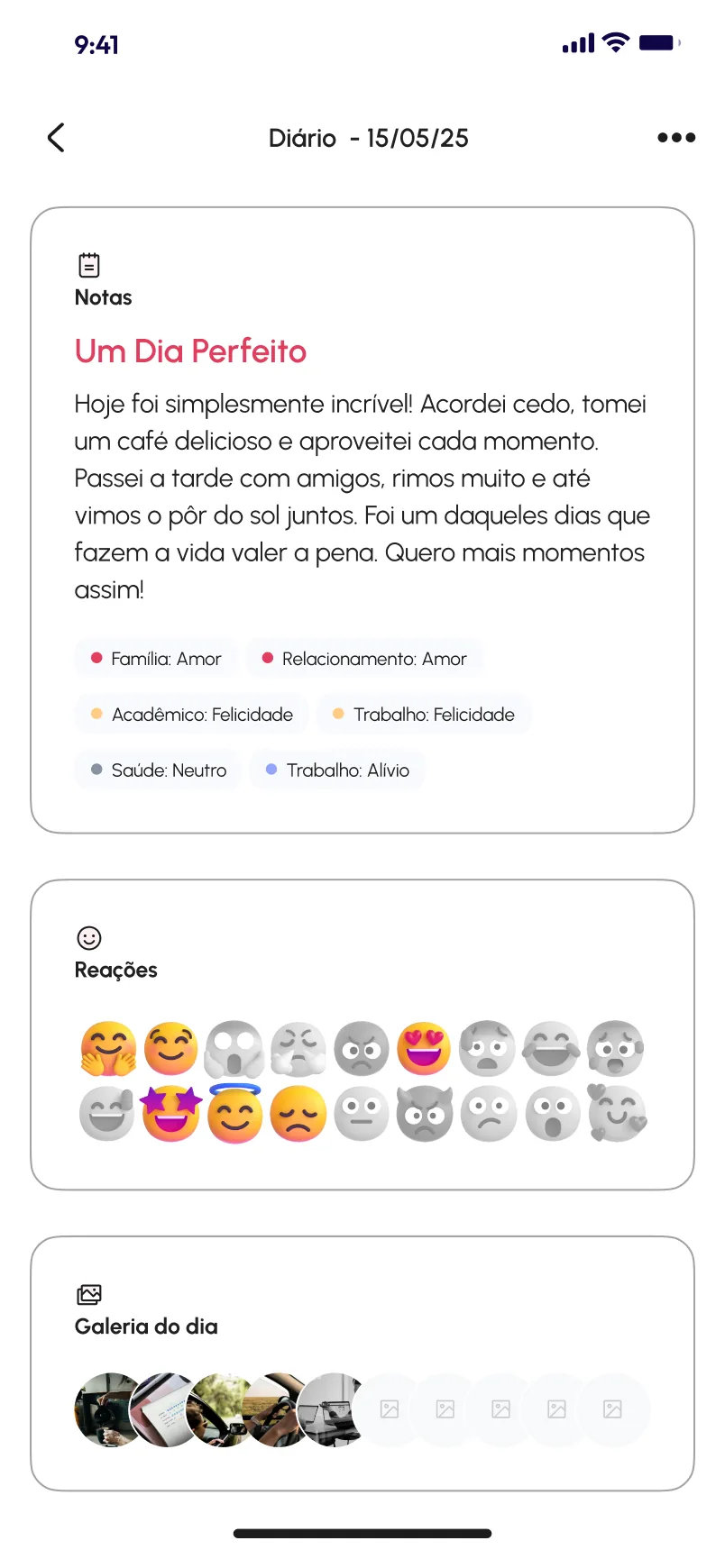
A diary page stacks three cards: the written note, the reactions and the day’s gallery. Under the note, small tags pair an area of life with a feeling, such as Trabalho: Felicidade or Saúde: Neutro. In Reações, the chosen emoji stay in colour and the rest go grey, so the selection reads at a glance.
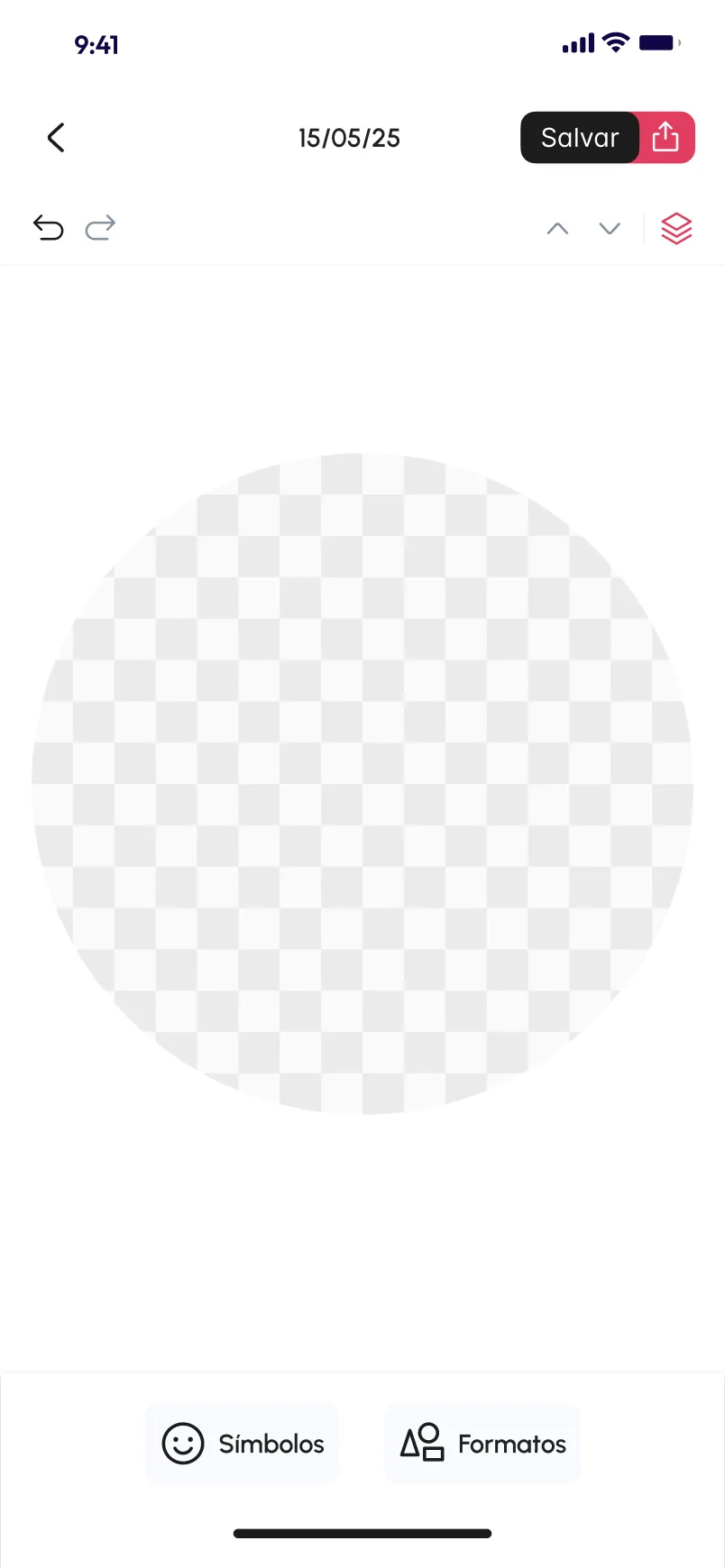
The art therapy canvas starts as a single circle, dated like a diary entry, with undo, redo and layers at the top and symbols and shapes at the bottom.
Two lengths of onboarding
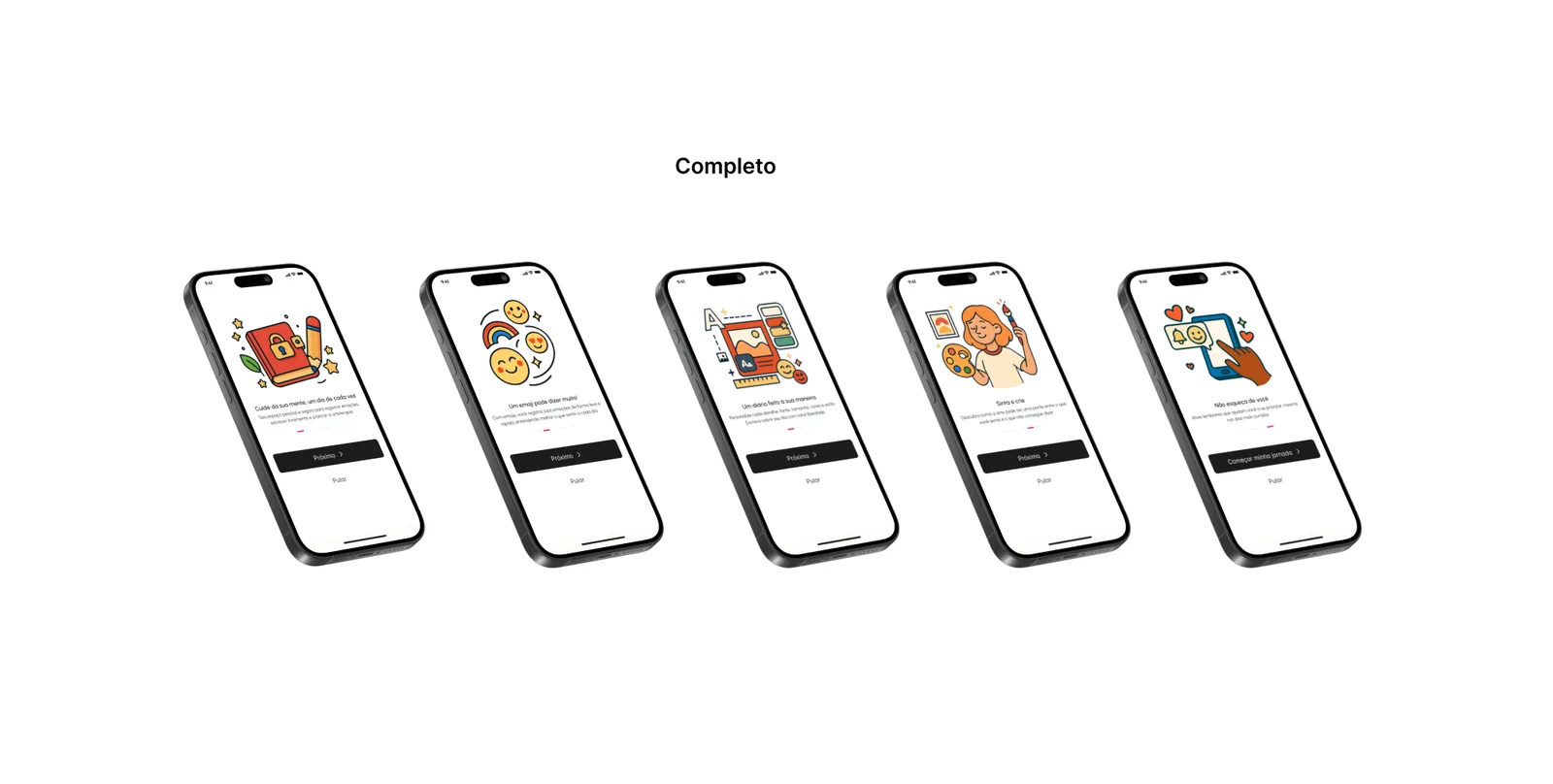
The Assets page keeps two onboarding versions. Simples is one welcome screen with a Vamos começar button. Completo walks through five illustrated steps, each introducing one idea, with the main button and Pular always in the same place. Both lean on the same warm illustrations, which do much of the explaining.